About Volume Booster - Max Volume
Speaker Booster: Volume Amplifier - Make Phone Audio Easier To Hear! Speaker Booster: Volume Amplifier will assist you in raising phone audio levels for music, videos, movies, games, podcasts, calls, and other media. It...
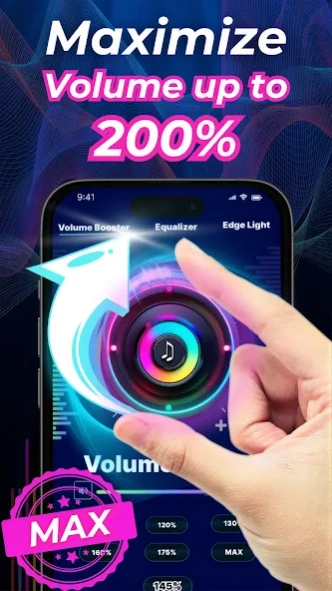
Speaker Booster: Volume Amplifier - Make Phone Audio Easier To Hear! Speaker Booster: Volume Amplifier will assist you in raising phone audio levels for music, videos, movies, games, podcasts, calls, and other media. It is useful when the default sound feels too low and you want quicker control from one simple tool.
Set Volume: Sound Booster gives you a direct way to adjust audio output without digging through device settings. Louder Music Volume: Audio Booster App also helps when you want songs, clips, or streaming audio to feel stronger through speakers, headphones, earphones, or Bluetooth devices.
Audio Control Features:
🔊Loud Speaker: Volume Booster - Increase speaker playback for music, videos, and media;
🎚️Speaker Booster: Volume Amplifier - Adjust volume level with simple controls;
🎵Louder Music Volume: Audio Booster App - Make songs and entertainment easier to hear;
⚙️Set Volume: Sound Booster - Control sound output with a quick volume tool;
🎧Headphone Support - Use the app with wired or wireless headphones;
📡Bluetooth Playback - Adjust audio when listening through supported Bluetooth devices;
🎮Media Support - Use it for games, movies, podcasts, calls, and video playback;
Adjust speaker, headphone, and Bluetooth audio in a few taps! Loud Speaker: Volume Booster is helpful when your phone speaker feels too quiet during videos, calls, or casual listening. Set Volume: Sound Booster keeps the experience simple, so you can change the sound level quickly and return to what you were doing.
Simple Audio Flow:
📲Open Speaker Booster: Volume Amplifier, and check your current sound level;
🎚️Use the volume control to raise or lower audio output;
🎵Open Louder Music Volume: Audio Booster App when listening to songs or videos;
🔊Try Loud Speaker: Volume Booster for speaker playback;
⚙️Use Set Volume: Sound Booster when switching between media types;
🎧Connect headphones, earphones, or Bluetooth speakers if needed;
✅Adjust the level until the sound feels comfortable for your device;
🎵Music, Movies, Games, And Podcasts:
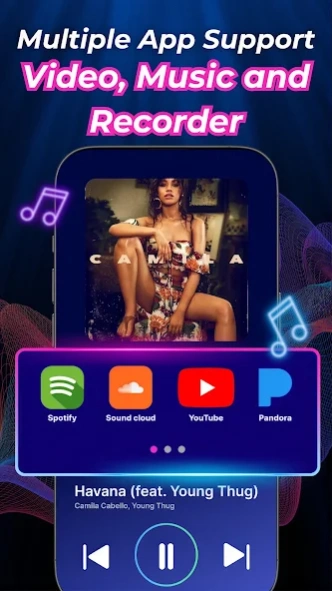
Louder Music Volume: Audio Booster App is useful for everyday entertainment when audio needs a stronger presence. Whether you are watching a movie, playing a game, listening to a podcast, or following a video, the app gives you a quick way to manage volume from one place. Results may depend on your phone, speaker, headphones, and media source.
🎧Speaker, Headphone, And Bluetooth Use:
Speaker Booster: Volume Amplifier supports different listening situations, including loudspeaker playback, wired earphones, wireless headphones, and Bluetooth speakers. It can be helpful at home, while traveling, during workouts, or when background noise makes quiet audio harder to hear.
⚙️Quick Controls Without Extra Clutter:
Set Volume: Sound Booster is designed for users who want a focused audio tool, not a confusing control panel. You can adjust sound levels for songs, clips, calls, and media playback with fewer steps. Loud Speaker: Volume Booster also makes it easier to manage phone audio when the physical buttons are not enough.
Enjoy Stronger Audio Control From Your Phone! Louder Music Volume: Audio Booster App gives you a practical way to make music, videos, games, and podcasts easier to hear. With speaker, headphone, Bluetooth, and media playback support, this app keeps everyday sound control simple and convenient.
Previous Versions
Here you can find the changelog of Volume Booster - Max Volume since it was posted on our website on 2024-05-13 14:30:33.
The latest version is and it was updated on 2026-10-10 13:13:05. See below the changes in each version.
Volume Booster - Max Volume version
Updated At: 2026-08-05
Volume Booster - Max Volume version 38.0
Updated At: 2026-08-05
Changes: Boost your device volume instantly
Bug fixes for smooth performance
Compatible with all media apps
Volume Booster - Max Volume version 29.0
Updated At: 2025-06-17
Changes: Boost your device volume instantly
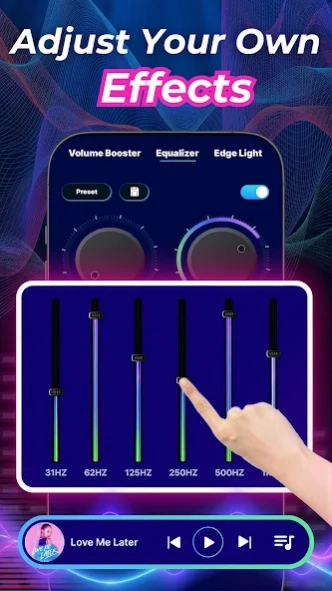
New equalizer presets for clear sound
Improved audio clarity and bass boost
Bug fixes for smooth performance
Easy controls for quick volume adjust
Compatible with all media apps
Volume Booster - Max Volume version 20.0
Updated At: 2024-09-27
Changes: 🚀 Improved sound quality!
📢 Boost volume instantly
🔊 Bug fixes & performance enhancements for a smoother experience 🎧
Volume Booster - Max Volume version 10.9
Updated At: 2023-07-11
Changes: What's New in the Volume Booster & Equalizer
-better user experience
-better performance
-updated bugs and crashes
Disclaimer
Official Google Play Link
We do not host Volume Booster - Max Volume on our servers. We did not scan it for viruses, adware, spyware or other type of malware. This app is hosted by Google and passed their terms and conditions to be listed there. We recommend caution when installing it.
The Google Play link for Volume Booster - Max Volume is provided to you by apps112.com without any warranties, representations or guarantees of any kind, so access it at your own risk.
If you have questions regarding this particular app contact the publisher directly. For questions about the functionalities of apps112.com contact us.